For Tour Guides

Earn more tips on every tour

Your operator uses Digital Guidebooks. Guests will see your profile, tip you directly through the guidebook, and leave reviews while the experience is still fresh.

More tips, more reviews, more tours for you. It costs you nothing.

Guide Login →
Digital guidebook QR code access on phone
The Guidebook

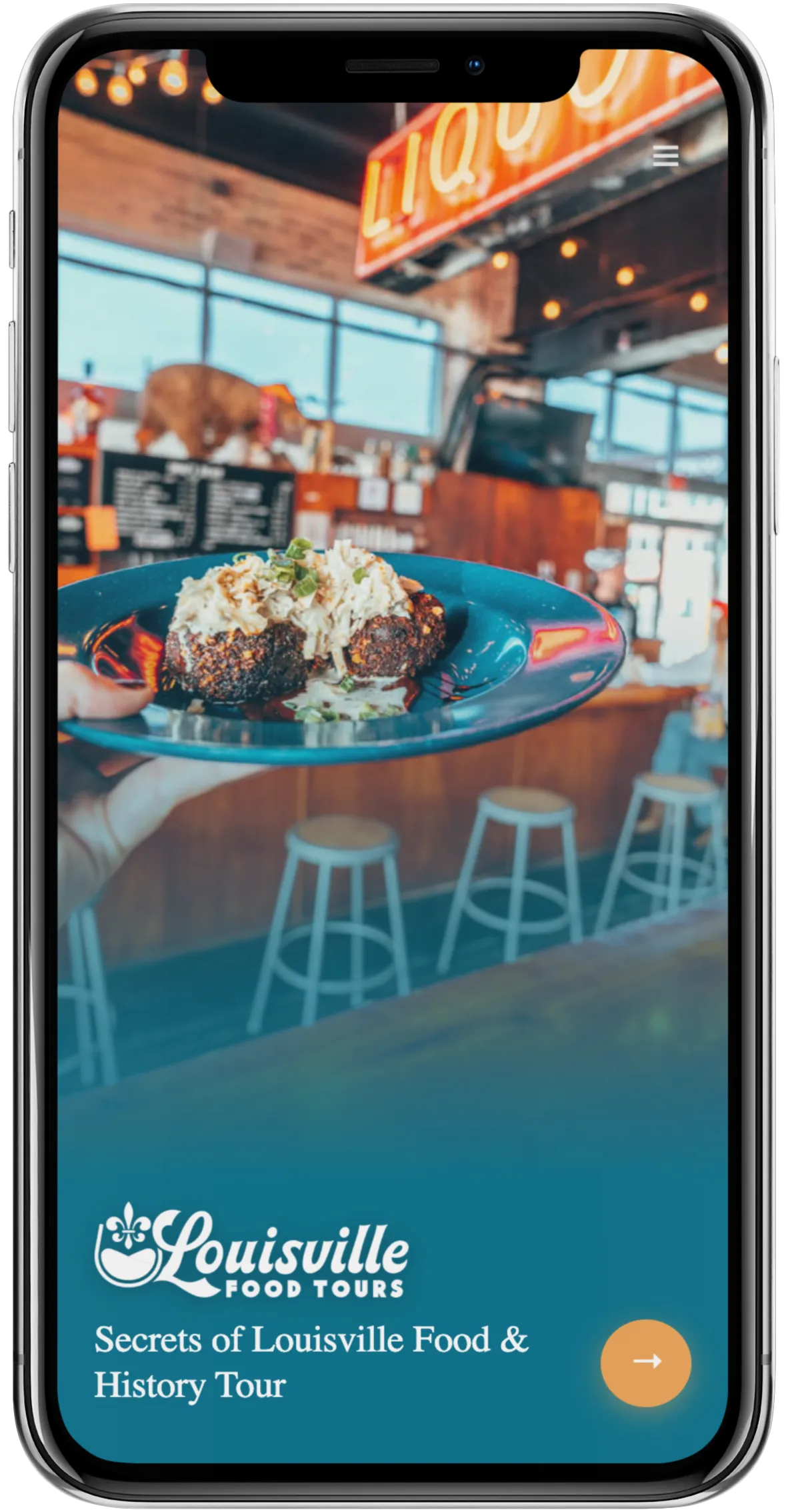
A mobile guidebook
on every guest's phone

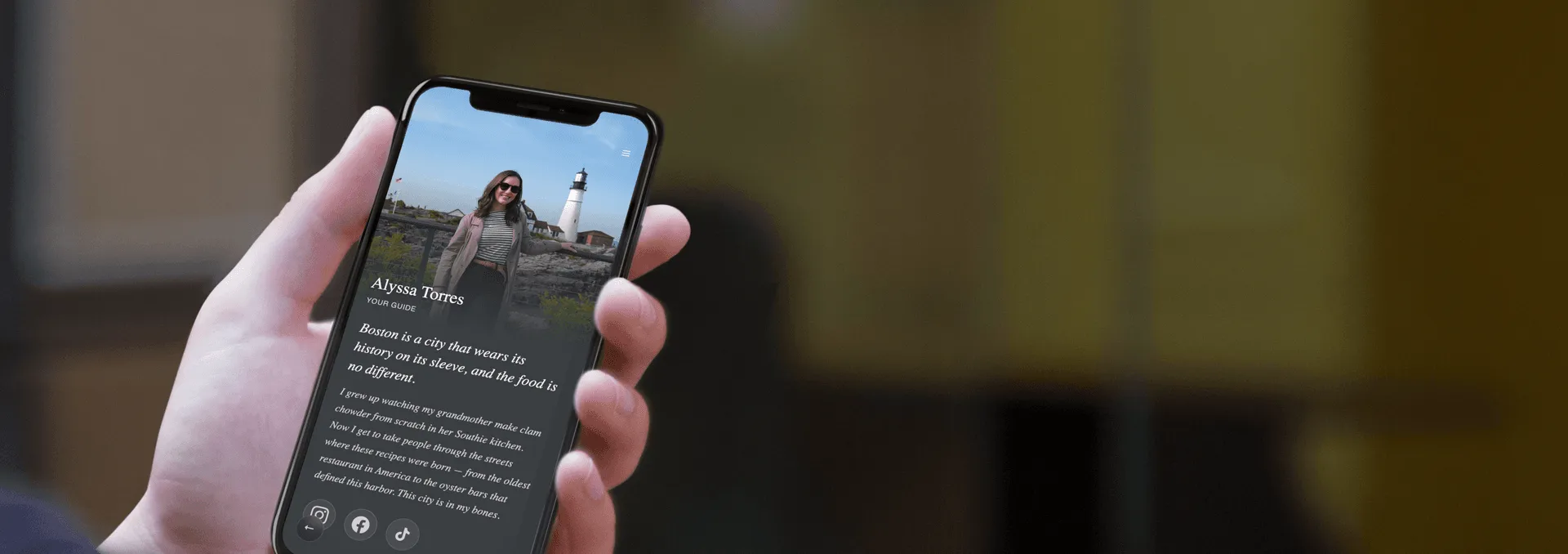
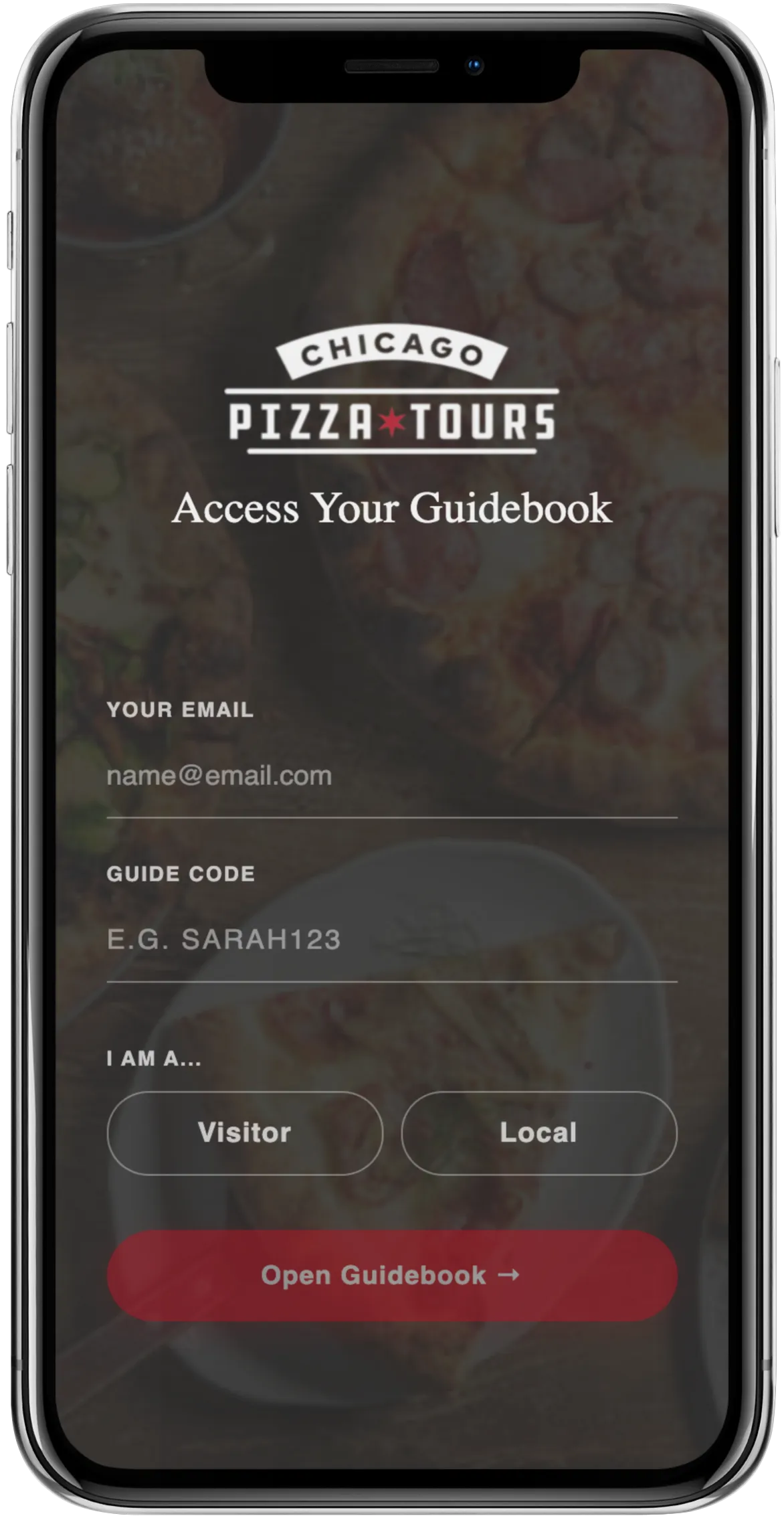
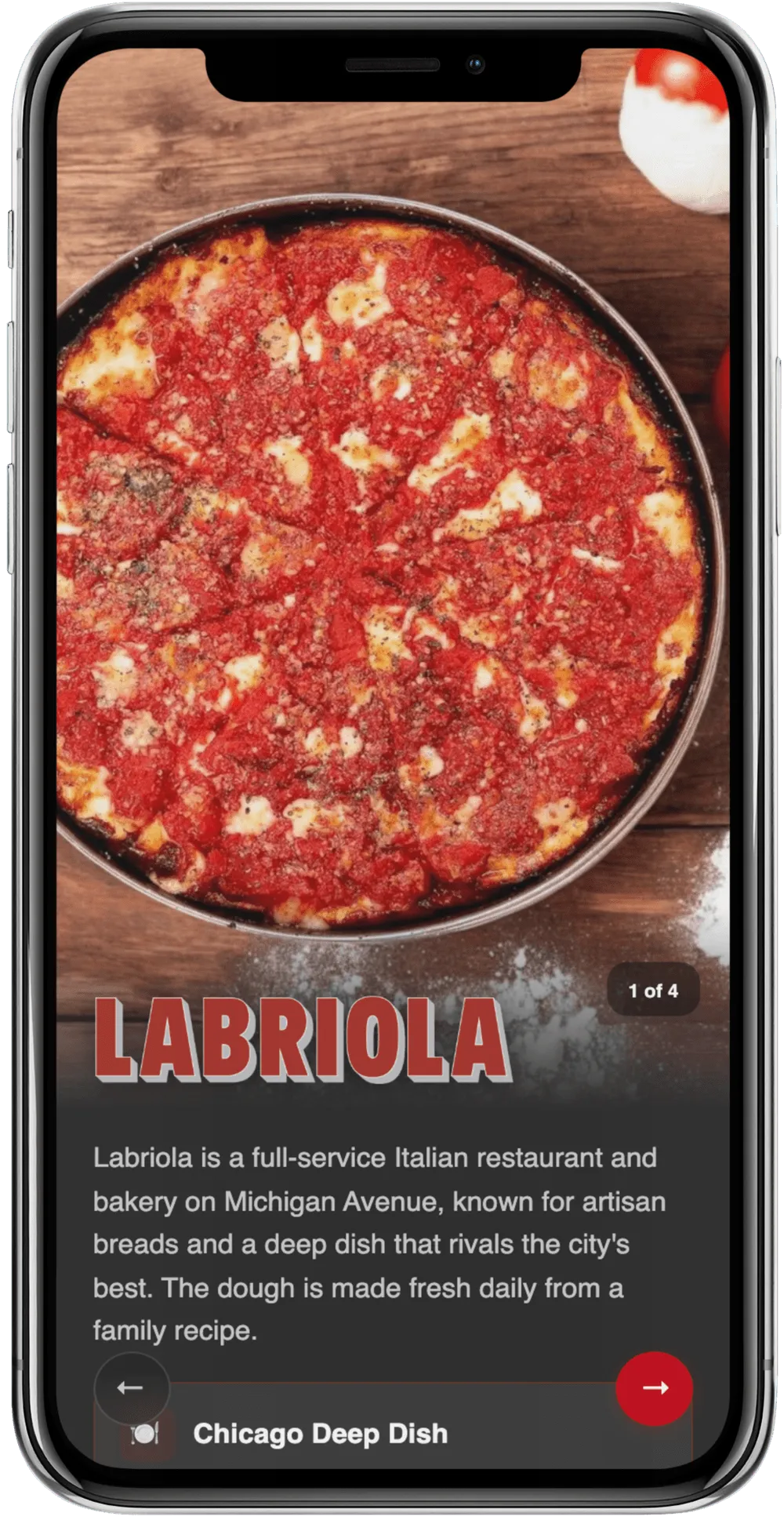
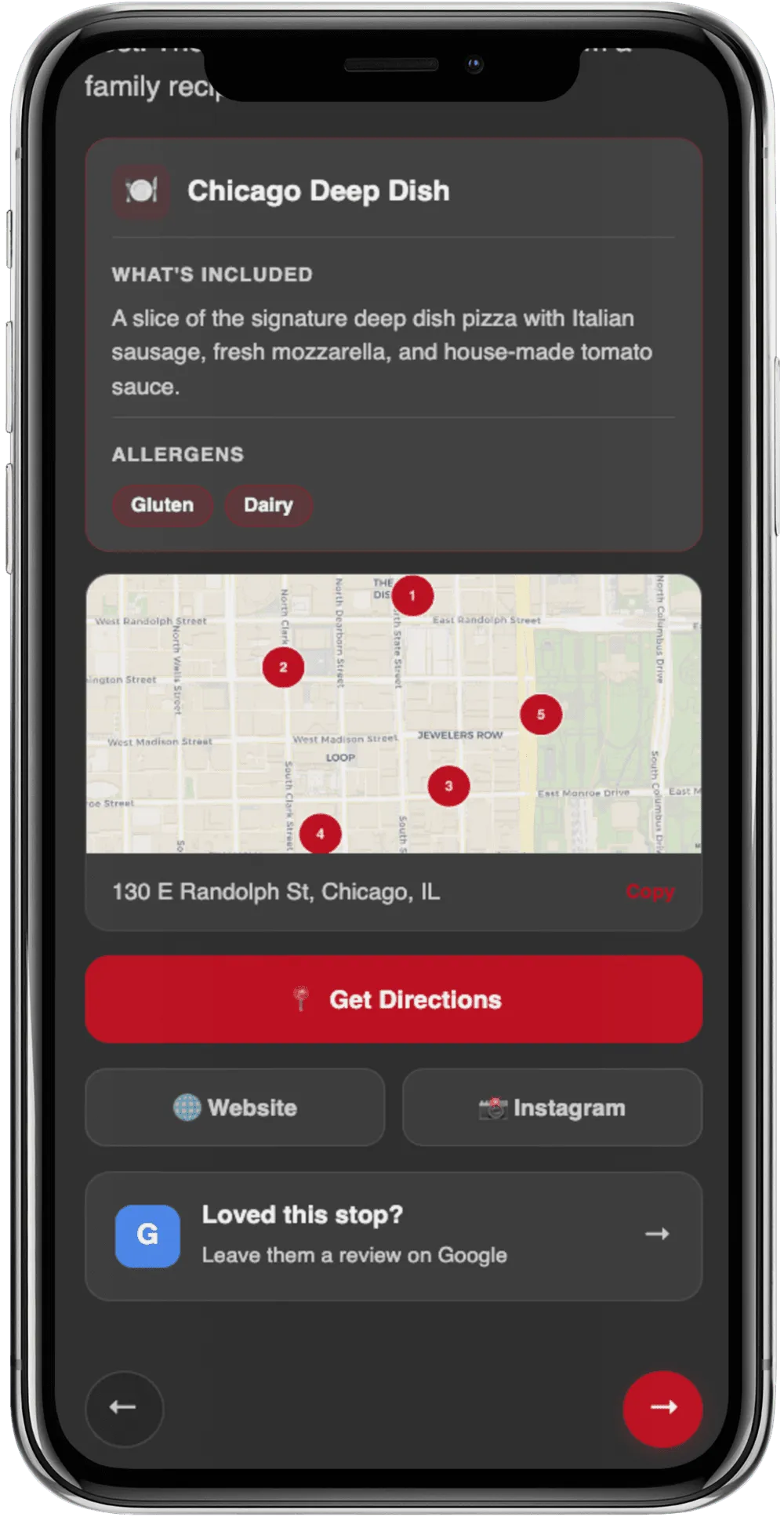
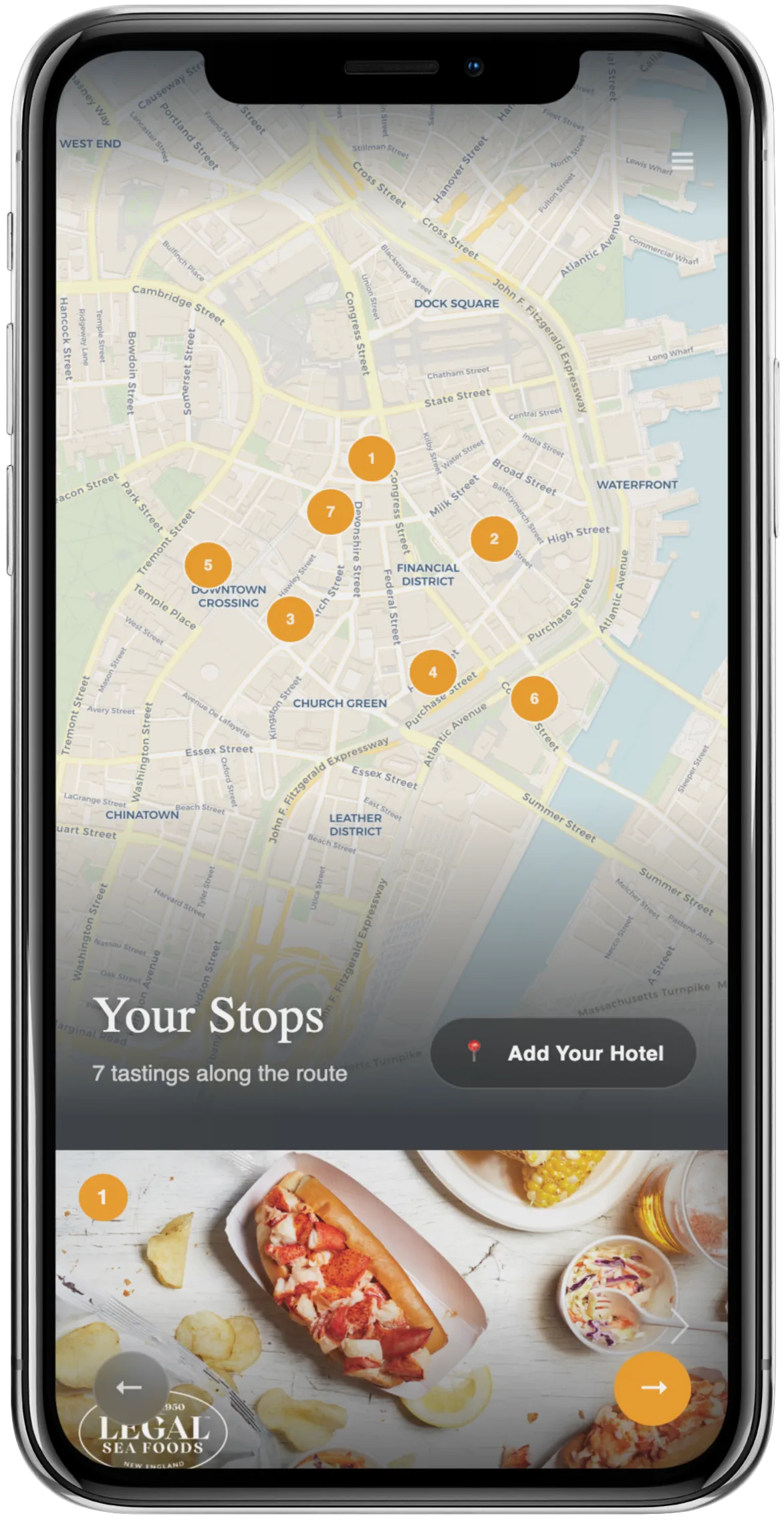
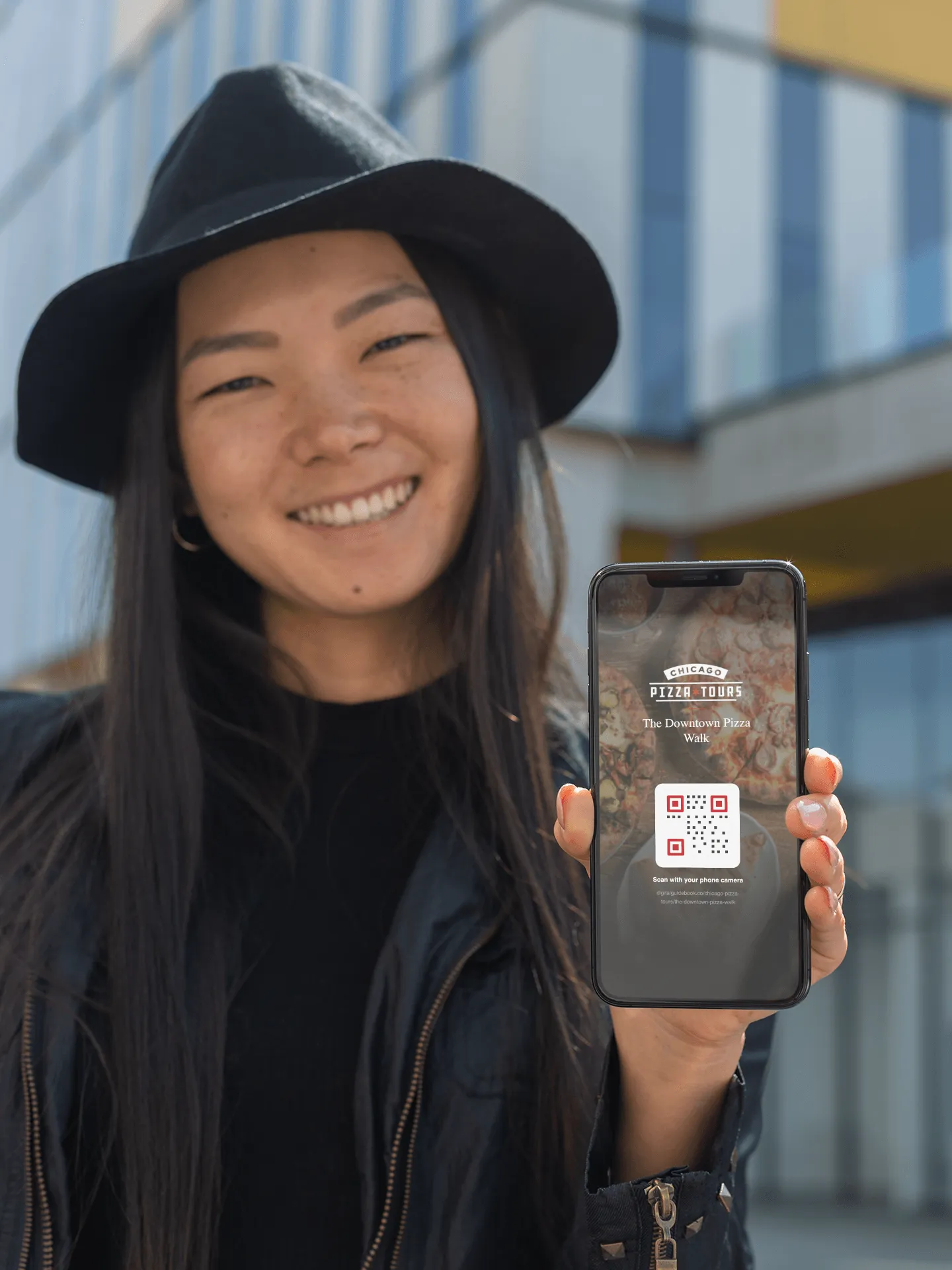
Instead of paper handouts, guests get a link on their phone with the full tour itinerary, maps, stop descriptions, and more. No app download required. Guests scan a QR code or tap a link, enter your guide code, and the guidebook personalizes to you.

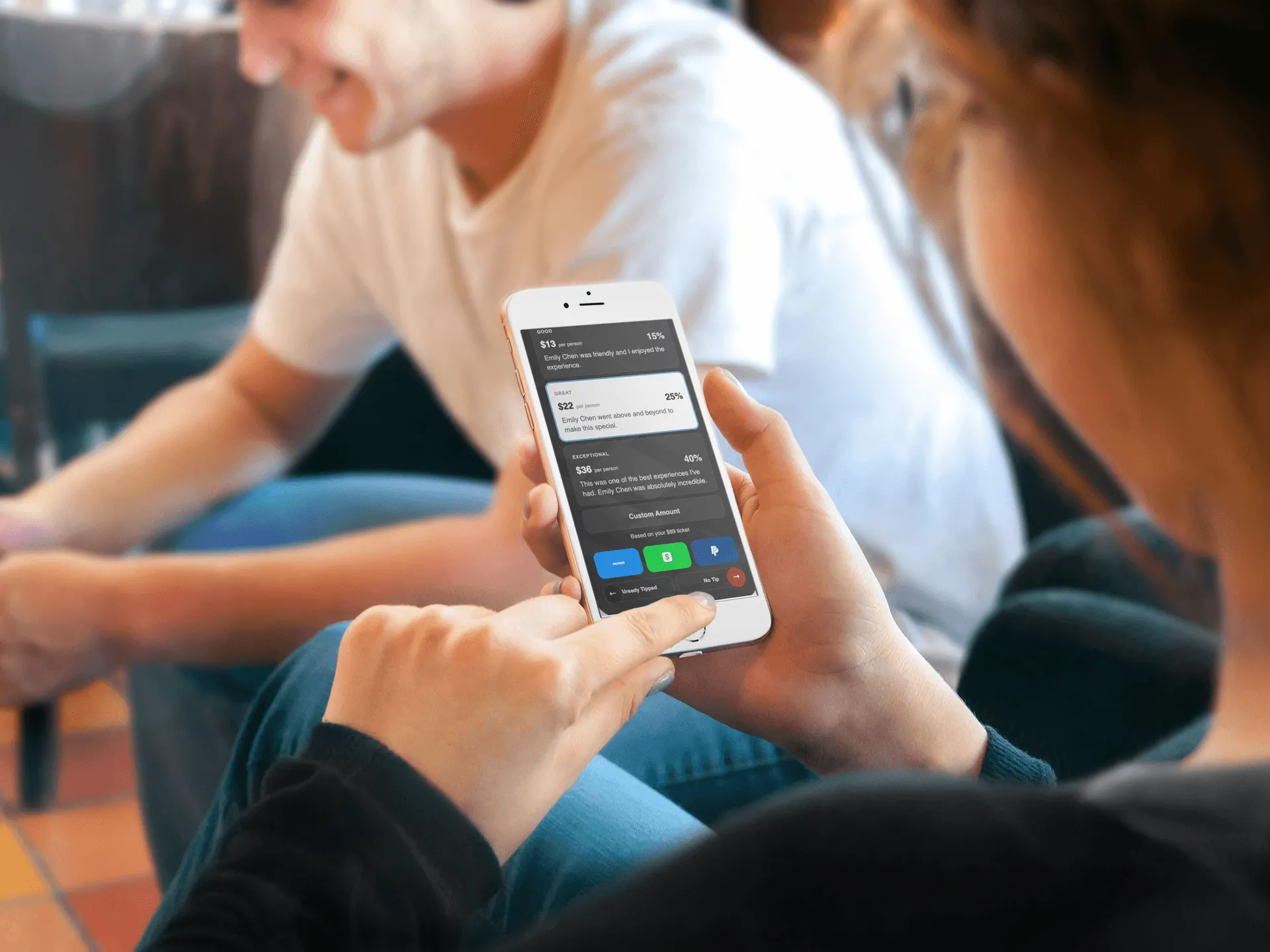
The guidebook keeps guests engaged, prompts them to tip you through Venmo, Cash App, or PayPal, and asks them to leave reviews while the experience is still fresh. Your photo, bio, social links, and personal recommendations are all built in.

Digital guidebook QR code access on phone
Tipping

Guests tip while the
gratitude is real

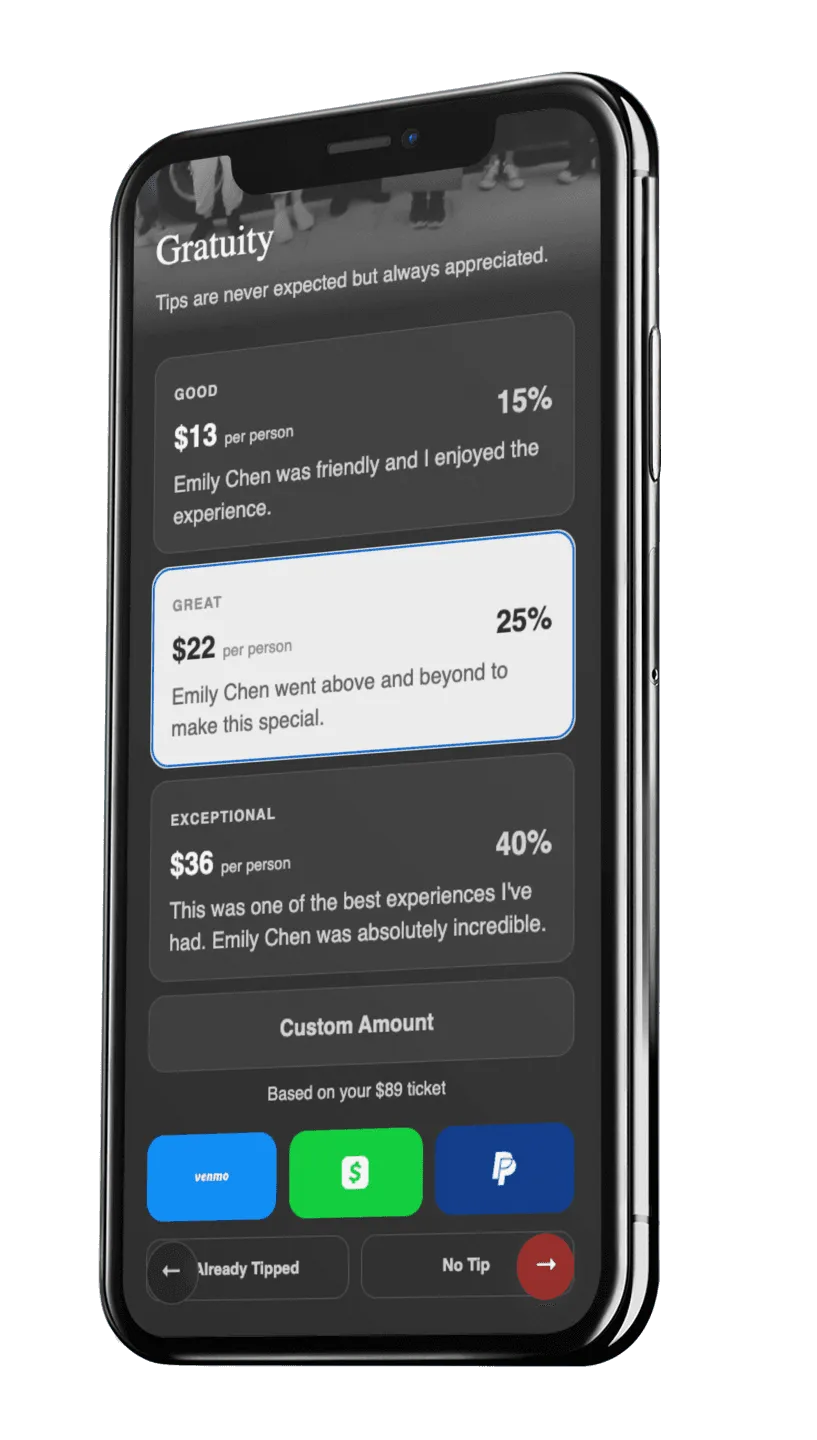
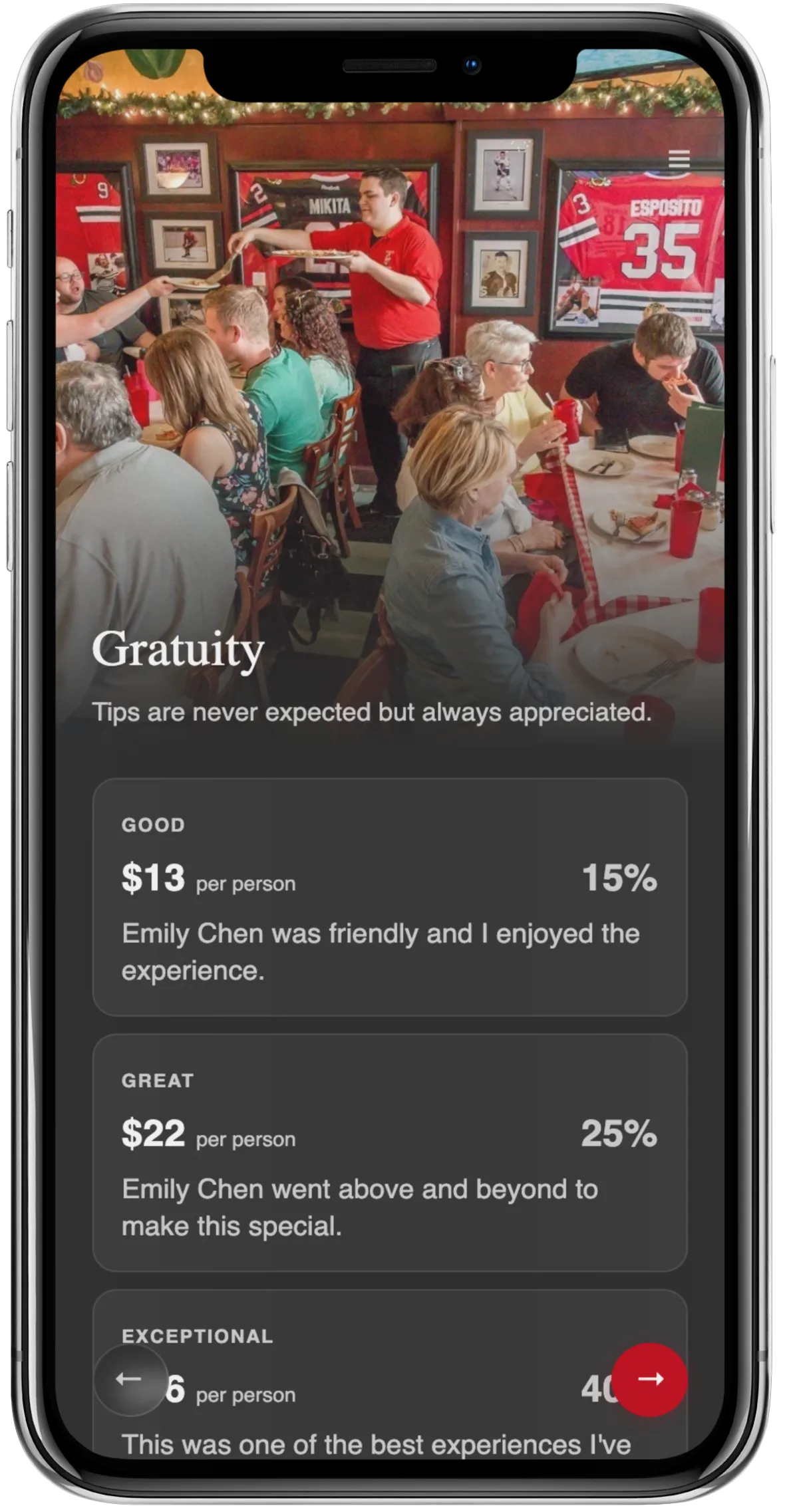
The tipping prompt appears while guests are still standing on your experience, phone in hand. One tap to Venmo, Cash App, or PayPal. You keep 100% of every tip.

  • You set your own payment links
  • Digital tips average 10% higher than cash
  • 65% of guests tip more generously digitally
  • No payment processing on our end, direct to you
10%

Higher tips with digital
vs. cash on average

100%

Of every tip goes
directly to you

$0

Cost to you as
a guide. Always free.

Getting Started

How it works for you

1

Get invited

Your operator adds you and sends an invite email with your guide code. Check your inbox.

2

Set up your profile

Add your photo, write a quick bio, and connect your tip payment links. Takes about 2 minutes.

3

Share your code

On tour day, tell guests your guide code. They enter it to connect with you and see your profile.

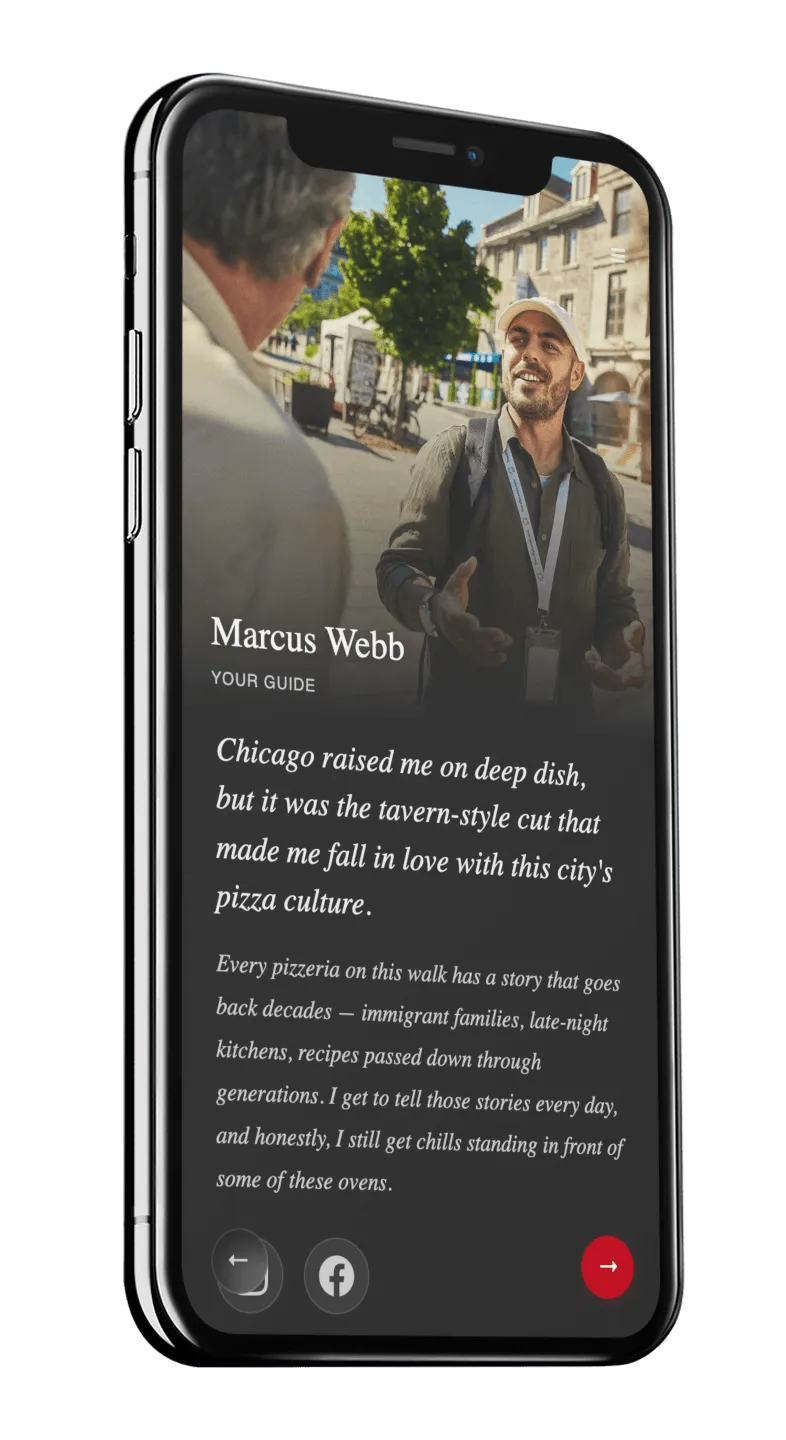
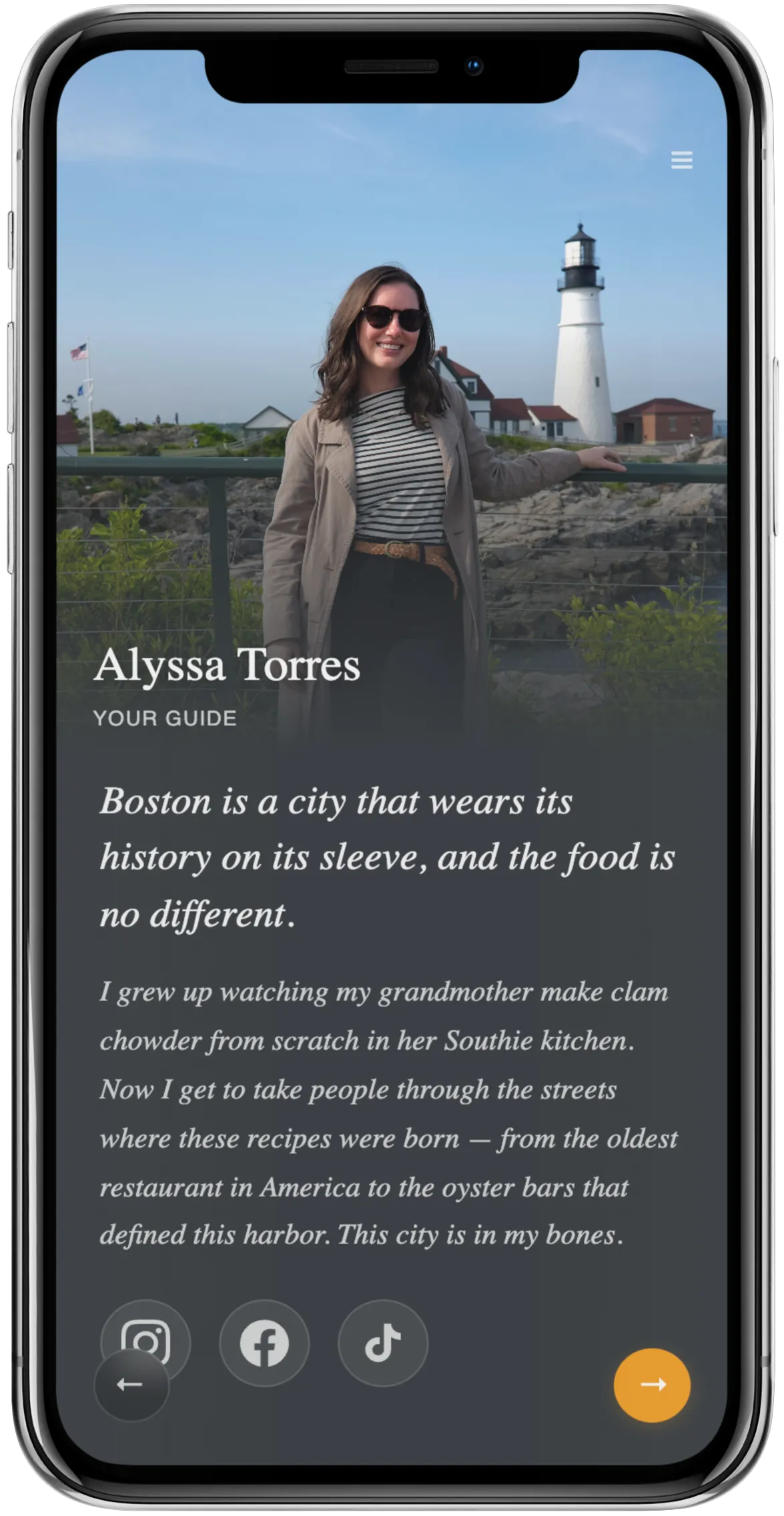
Tour guide profile screens showing bio and photo
Your Profile

Build your personal brand on every tour

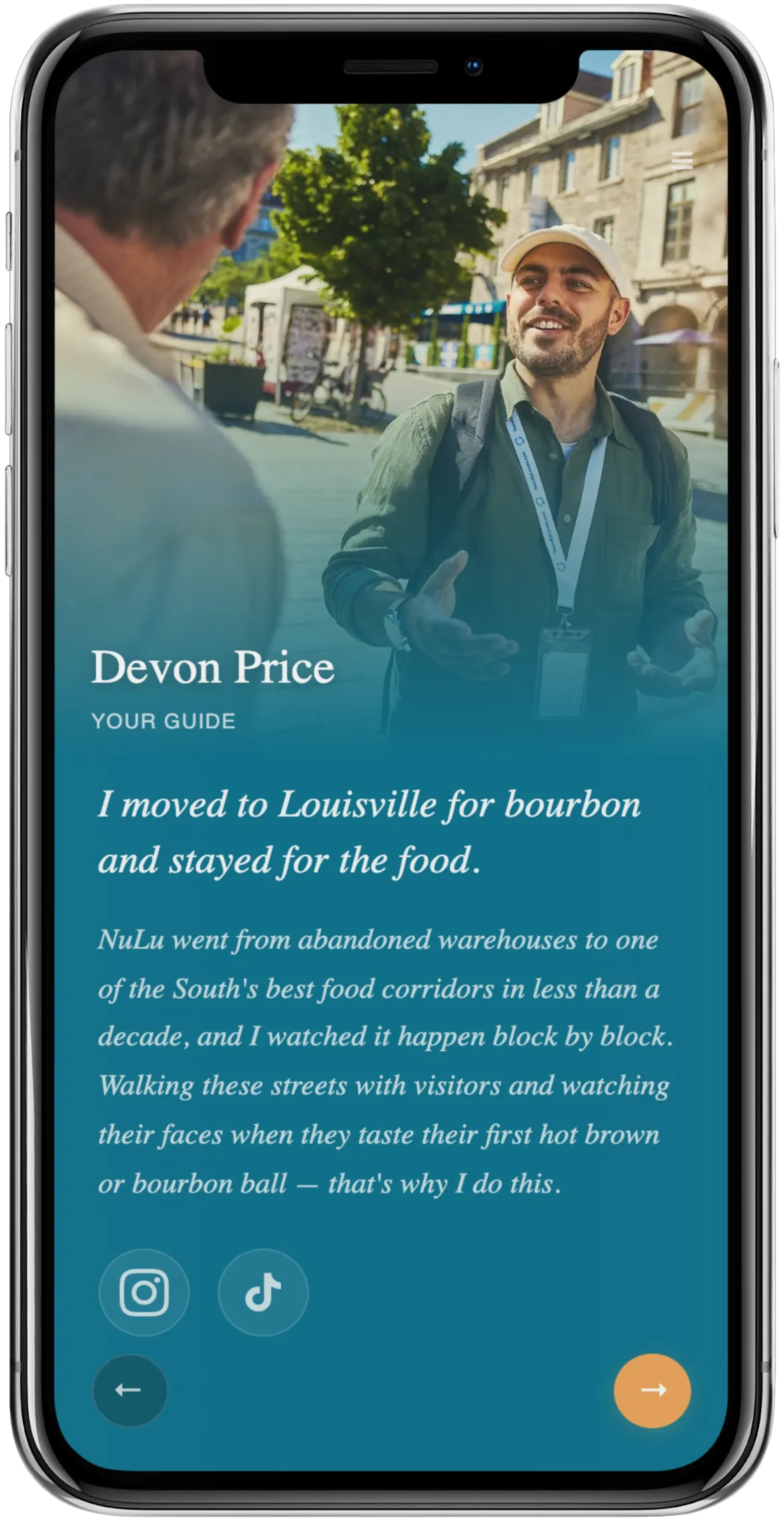
Your guests just spent a few hours falling in love with you. Your guidebook profile links them directly to your Instagram, TikTok, and social channels so they can follow you and keep that connection going.

Your photo, bio, personal recommendations, and payment links are all right there. Every tour grows your following.

Guide local recommendations and favorite spots

Problems guests run into and how to help

Guest says the link isn't working
Make sure they're opening it in a browser, not inside an app like Instagram or Facebook. Have them copy the link and paste it into Safari or Chrome. The guidebook works on every phone and every browser.
Guest doesn't know the guide code
Tell them your code at the start of every tour. Write it on the QR code printout or text it to the group. They need your code to access the guidebook, so make sure everyone has it before they scan.
Guest doesn't want to enter their email
Your tour operator controls whether email is required or optional. If it's required, remind guests it's just so the operator can send follow-up info about the experience. It takes two seconds and they get full access to everything.
Guest's phone can't scan the QR code
Older phones sometimes struggle with QR codes. Have the link ready to text or share verbally. You can also AirDrop it on iPhone. The QR code is just one way in.
Guest asks if they need to download an app
No. The guidebook opens in their browser. No app store, no download, no sign-up. Just tap the link or scan the code and it's right there.
Guest can't find the tip page
The tipping prompt appears automatically as part of the guidebook flow. If they miss it, they can tap the menu icon at the top of any page and navigate to the gratuity page directly.
Guest wants to access the guidebook after the tour
The link stays active. They can revisit it anytime. Local recommendations, the map, stop details. It's a resource they keep. Encourage them to bookmark it.
Guest is having trouble with slow internet
The guidebook is lightweight and loads fast even on slower connections. If they're in a dead zone, suggest they load it before the tour starts while they still have signal. Once loaded, most content stays available.

Log in and set up your profile

Your operator already set things up. Check your email for an invite, or ask your tour operator to add you to Digital Guidebooks.

Guide Login →

No cost to you. Your operator covers everything.