

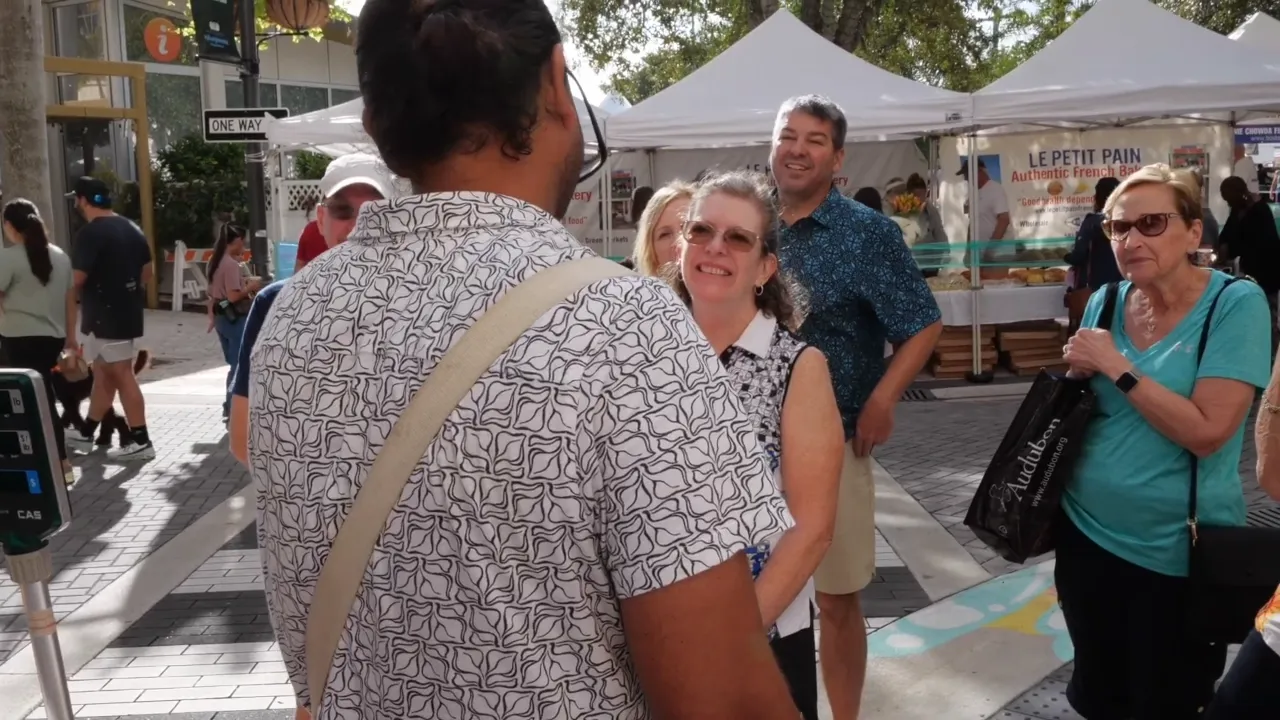
An accessible tour is one where every guest can follow along, find what they need and take part without having to ask for special help. For most operators, that comes down to a handful of practical things. Guests need to understand the content. They need to find the basics, like the nearest restroom. They need to check what they can safely eat. And they need to use the tools they already rely on, like a screen reader or zoom.
A guide can do a lot of this out loud. A guide cannot do all of it, for every guest, at once. That is the job I built Digital Guidebooks to share.
Raheem, Managing Director of West Palm Beach Food Tours, on using translation with his guests.
Read the transcript
"I've recently been using a lot of the translate feature for customers who have had difficulty understanding. And so the fact that they look on their face, when you have a person who English is not their first language, struggle with communication on an issue as I'm trying to say something, I simply go into their guidebook and click it. And as soon as they see España or, you know, whatever language it is, they're just the look of excitement and feeling included and being understood and considered, it's been helpful. So all I really have is praise and gratitude."
Language is the biggest barrier on most tours
Every guide knows this guest. They are friendly. They laugh a beat after everyone else. They nod through the story about the building, and then they ask where the group is going next, because they missed it.
Nobody did anything wrong. The story was told well. It was told in a language that guest reads fine and listens to slowly. On a loud street, with a guide walking ahead, that gap gets wider.
It is not a rare guest. According to the U.S. Census Bureau, about 22% of people in the United States speak a language other than English at home. That is before you count international visitors, who are often the guests most excited to be on your tour.
How translation works in a guidebook
The operator writes everything once, in English. Stop stories, tasting notes, the tip page, where the group meets. You type it into the editor the same way you always have, in your own voice. There is no second version to write.
The translating happens on the guest's side. When a guest opens the guidebook, they tap a flag on the first screen and pick their language. The guidebook switches into Spanish, French, German, Portuguese, Italian, Japanese or Mandarin. English stays the default, and nothing is translated until a guest asks for it.
That is what Raheem describes in the video above. What I like most about his story is how little it asks of him. He does not speak every language his guests do. He does not need to. The guide keeps telling the story. The guidebook makes sure the guest can follow it.
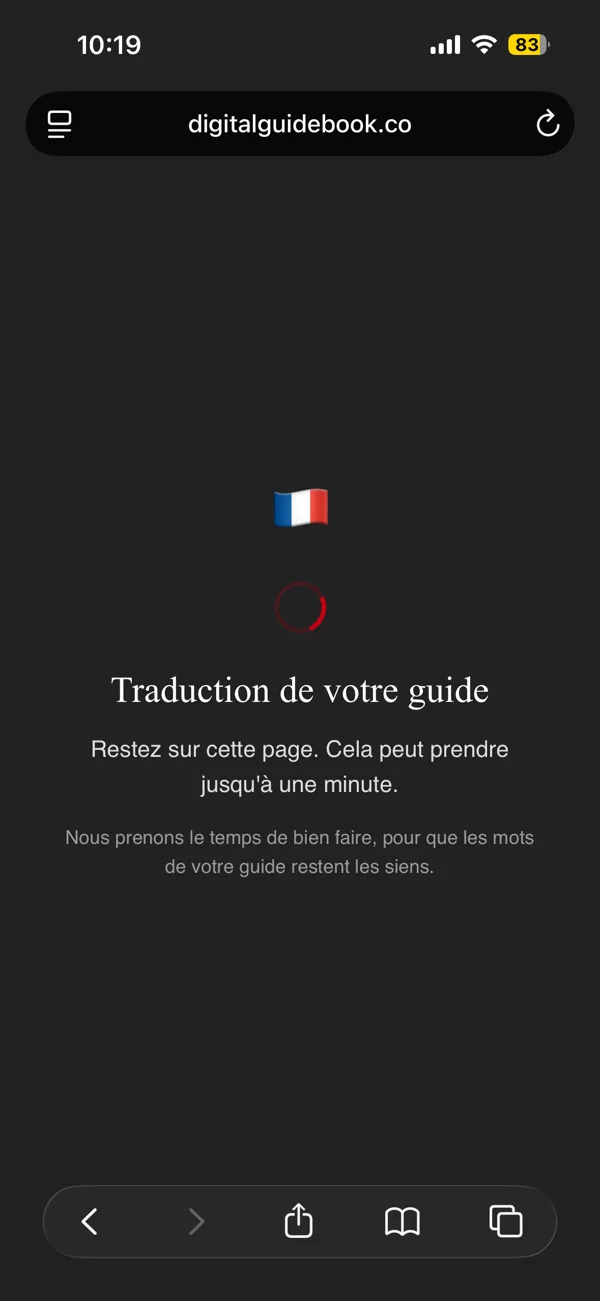
The first time anyone picks a language for a guidebook, it takes a moment to translate. The guest sees a short screen in their own language. In English, it reads: "Please stay on this page. This can take up to a minute. We are taking a moment to get it right, so your guide's words still sound like your guide."
That last line is the point. The translation should still sound like you. After that first time, the next guest who picks the same language gets it almost instantly.
What stays in English, on purpose
Place names, addresses, phone numbers, promo codes and links stay exactly as the operator wrote them. A guest reading in Japanese still sees the restaurant's real name and the street address in the original spelling. Those are the words they will say to a driver, type into a map or look for on a sign. Translating them would make the guest's day harder, not easier.
Guide names stay the same too. A name is a name in every language. You can read more about how this works in the Language Release.
Accessibility on the guest's own phone
The World Health Organization estimates that 1.3 billion people, about 1 in 6, live with a significant disability. Some of those guests are on your tours already. Many of them have set up their own phone exactly the way they need it.
That is the quiet advantage of a guidebook that opens on the guest's own phone. They do not have to learn a new device or ask for a special version. They bring their settings with them.
- Screen readers. The guest pages are built to be read by screen readers such as VoiceOver, including labels for buttons that are only an icon.
- Zoom. Guests can pinch to zoom on any page, the same way they would on a website.
- Keyboard and switch control. Everything a guest can tap can also be reached without touching the screen, with a clear outline showing where they are.
- Reduce Motion. When a guest has Reduce Motion turned on, pages stop sliding under their finger.
I built a lot of this for my mom
The restroom feature exists because of my mom. So do many of the other small things in a guidebook.
Some days are harder for her than others. On those days she still wants to be out, enjoying her life. What I don't want is for her to have to ask the guide every time she needs a restroom, or how long until the next one.
If you have seen Curb Your Enthusiasm, you know the feeling. In one episode, Larry helps Cha Cha land a job at a desk right outside the office bathroom. From then on, every trip to the restroom means walking past her.
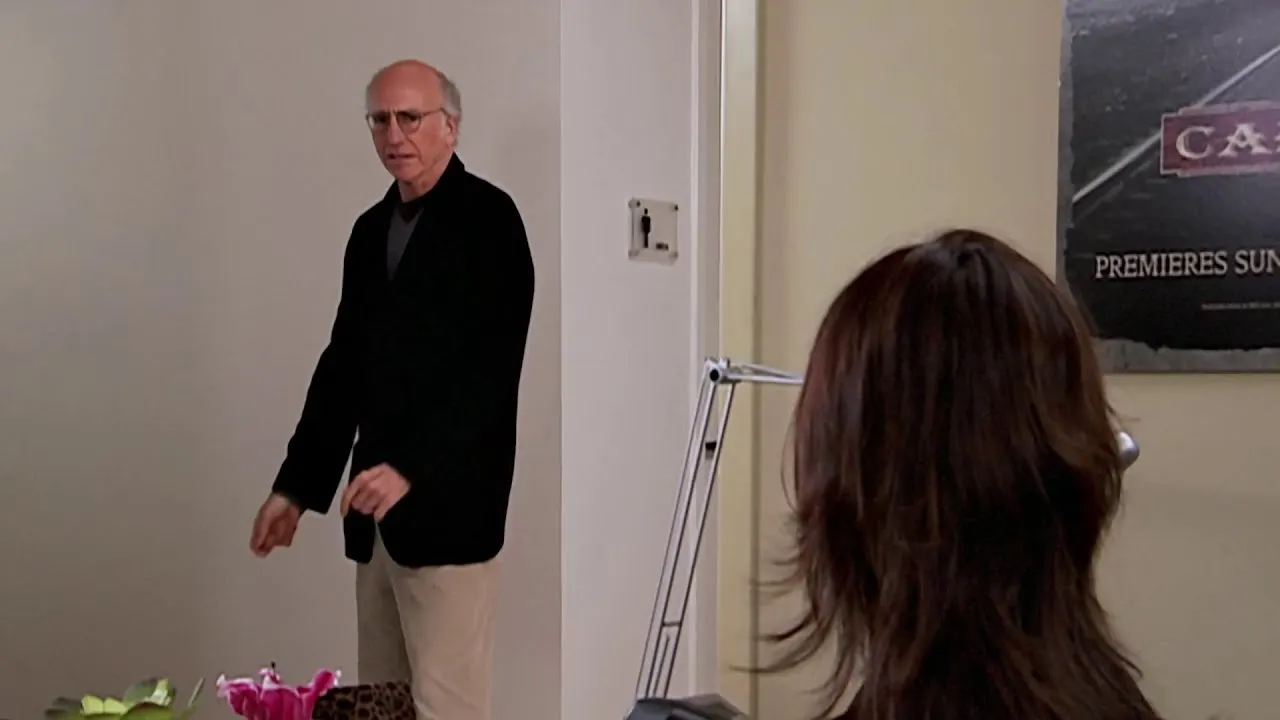
Curb Your Enthusiasm, Season 6, "The Lefty Call." HBO.
Most of us would rather not make that walk, or ask that question out loud. A guest on a tour is no different. So each stop in a guidebook can say whether there is a restroom, where it is and the door code. She can check it quietly, on her own phone, before she needs it.
My mom's vision is also getting worse. That changed how I think about every guest page. Text sits on plain backgrounds, rarely over a busy photo. Photos go beside the information instead of behind it. I know she is not the only one. Plenty of guests on your tours are reading with eyes that work a little less well than they used to.
Design for one person, and everyone benefits
Subtitles were made for people who are deaf or hard of hearing. Today, more than half of Americans say they watch TV with subtitles on most of the time, according to a Preply survey. Most of them hear fine. They turn subtitles on for a mumbled line, a thick accent or a sleeping baby in the next room.
That is the simple truth about accessibility. When you design for the person who needs it most, almost everyone ends up using it. The restroom code I added for my mom helps the parent with a toddler. It helps the guest who had too much coffee at stop two. It helps anyone who would rather not ask.
The questions nobody wants to ask out loud
Inclusion is not only about language and disability. It is also about the small, slightly awkward questions guests hesitate to ask in front of a group.
- Restrooms. Each stop can show whether there is a restroom, where it is and the door code. The tour overview lists every stop that has one.
- Allergens. On food tours, each tasting can carry its allergens. A guest with a nut allergy can check the next stop before the plate arrives. You can see how in the Tastings Release.
- Tipping. Tipping customs change completely from country to country. A tip page explains how it works on your tour, in the guest's own language, so nobody has to guess.
- What comes next. Whatever the operator writes in the guidebook, like where the group meets or what comes after lunch, stays on the page. A guest who missed it can catch up without stopping the guide.
Each of these is a moment where a guest could feel left out. Each one is a page they can read on their own, at their own pace.
A short list for your next tour
You can start on most of this before you change any software. Walk your tour as a guest who is hearing it in a second language, or who is having a hard day.
- Write down what you say out loud. Meeting points, times, restroom stops and anything a guest needs to act on.
- Note every restroom. Where it is, and the code if there is one.
- List allergens for every tasting. Ask your venues once and keep the list current.
- Explain tipping in plain words. What is normal on your tour, and how to do it.
- Put it where the guest can read it in their language. On their own phone, during the tour, when they need it.
The last step is the one a digital guidebook is made for. Translation is included on the Destination Leader and Multi-Day plans, and the accessibility work is part of every guidebook.
Frequently Asked Questions
How do I make a walking tour accessible to guests who don't speak English?
Put the tour content where a guest can read it in their own language. With a digital guidebook, the operator writes everything once in English, and each guest switches the guidebook into Spanish, French, German, Portuguese, Italian, Japanese or Mandarin with one tap. Place names and addresses stay as written, so they still match the signs and the map.
Does the tour guide need to speak other languages?
No. The guide keeps telling the story in their own language. The guidebook carries the details that are easy to miss when you are listening in a second language: names, allergens, restroom locations and what happens next.
Which languages does a Digital Guidebook translate into?
Spanish, French, German, Portuguese, Italian, Japanese and Mandarin. English stays the default, and nothing is translated until a guest picks a language. Translation is included on the Destination Leader and Multi-Day plans.
Does a digital guidebook work with screen readers?
Yes. The guest pages are built for screen readers such as VoiceOver, and every button can be reached with a keyboard or switch control. Pages stop sliding under the finger when a guest has Reduce Motion turned on. Guests use their own phone, with the settings they already rely on.
Give every guest the whole tour.
Plans start at $99 a month, and every one comes with a 60-day money-back guarantee.
See Plans →